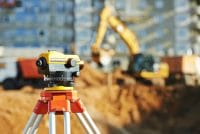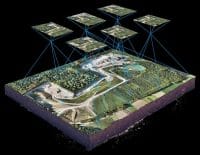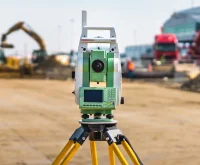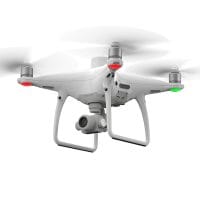
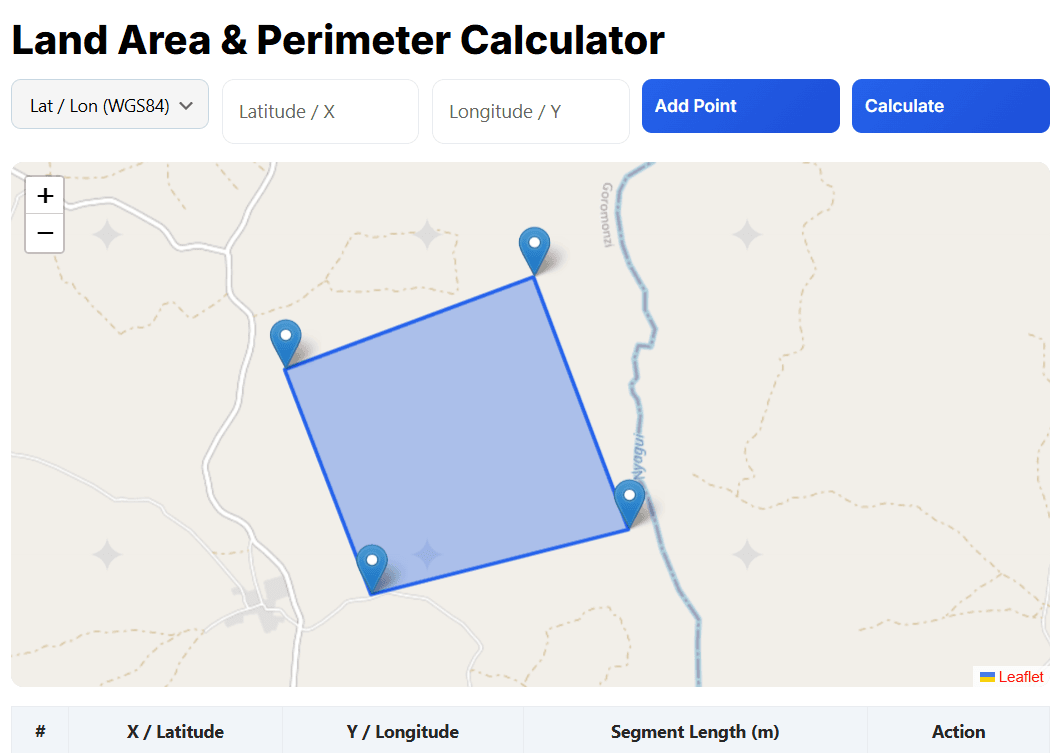
Calculate area, perimeter, and segment lengths instantly using an interactive map. This free online tool supports Latitude/Longitude (WGS 84) and custom X/Y coordinates, making it ideal for surveyors, GIS professionals, engineers, drone operators, and students.
Add points directly on the map or enter coordinates manually, then drag and edit boundary points in real time. No software installation is required, no account is needed, and the platform is fully mobile-friendly.
[survey_calculator]
How to Use the Coordinate Area Calculator
- Select the coordinate type: Lat/Lon (WGS 84) or X/Y coordinates.
- Add points by clicking on the map or entering coordinates manually.
- Drag markers to adjust the polygon or boundary points.
- Click Calculate to view results:
- Area (m², hectares, acres)
- Perimeter (meters)
- Segment lengths between points
This workflow is perfect for surveying, construction planning, GIS analysis, and drone mapping.
Accuracy Note
Latitude/longitude calculations use standard geographic approximations suitable for small to medium areas. For legal or cadastral surveys, always verify results using certified survey software.
Common Use Cases
- Measuring land parcels and farm boundaries
- Verifying GPS and drone survey boundaries
- Construction site layout and planning
- Agricultural field measurement
- GIS data validation and training purposes
Frequently Asked Questions (FAQ)
How do I calculate land area using coordinates?
Enter latitude/longitude or X-Y coordinates, add points to form a boundary, and calculate the area and perimeter automatically using the interactive map.
Is this area calculator accurate for land measurement?
The tool provides reliable estimates for small to medium areas. For legal or cadastral surveys, results should be verified using certified survey software.
What units does the calculator support?
The calculator displays area in square metres (m²), hectares (ha), and acres, with perimeter shown in metres.